User guide
Set up your housing company
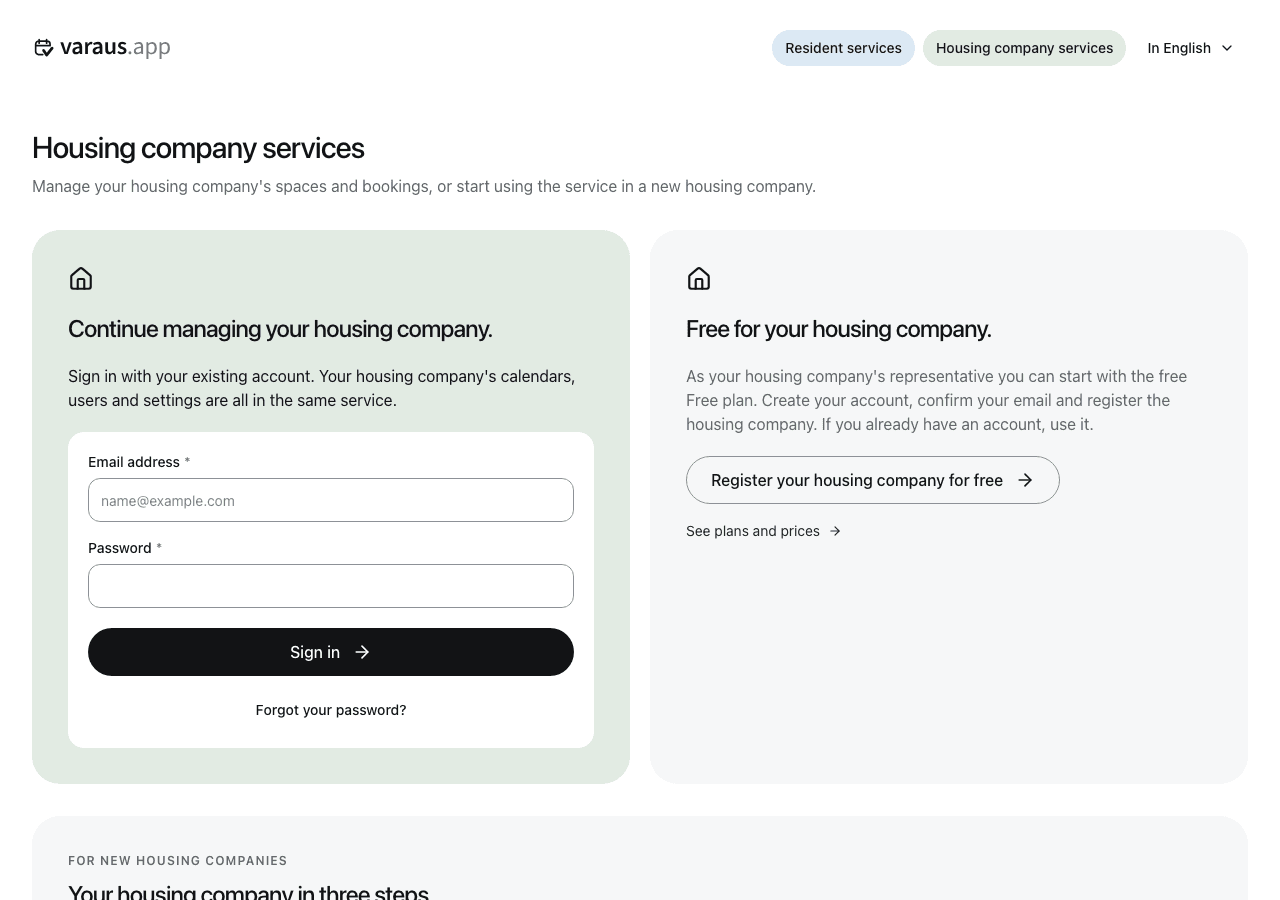
- Open housing company services and select Register your housing company for free.
- Sign in with your own account or create one. Verify your email address.
- Search for the housing company by name or business ID and select it.
- Enter your apartment details or indicate that you live elsewhere. Confirm the setup.
- Create your first booking calendar.
- Open the housing company's Settings menu and download the resident brochure. The PDF has separate pages in Finnish, English and Swedish. Print the pages you need.
You can start with the free Free plan. If the housing company already uses the service, ask its current administrator for access. Contact support if you cannot find it by its business ID.