User guide
Create a booking calendar
- Open the housing company page and select Add resource.
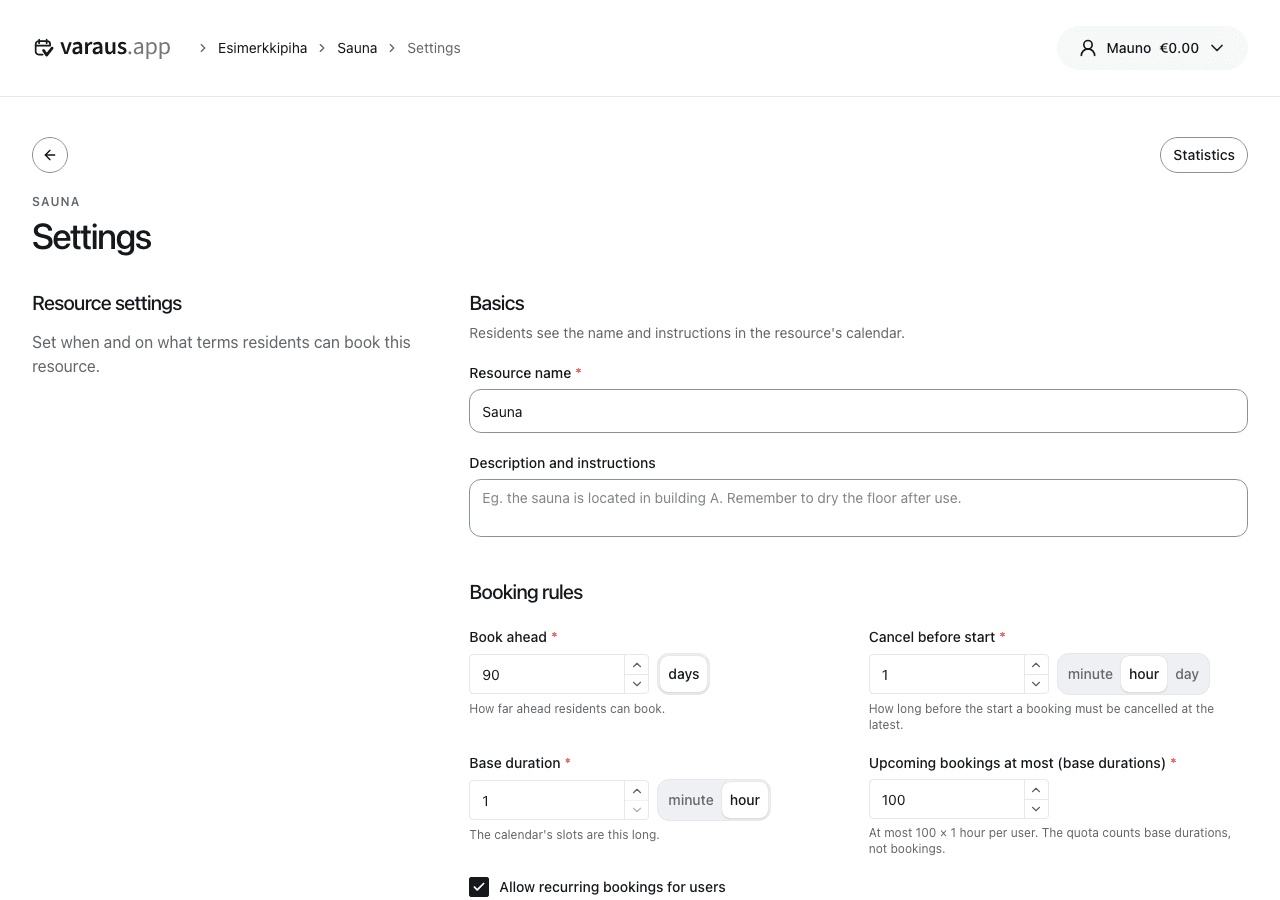
- Give it a name residents recognise, such as Sauna, and select Create resource. Its settings open. Initially, it is available every day from 9 to 22 at no charge.
- Set each day’s opening hours under Bookable times and prices. Select Add a time range and enter the start, end and price. You can copy the previous day’s hours.
- Set the booking duration, advance booking period and cancellation deadline.
- Set per-user booking limits. Allow recurring bookings if residents can book a weekly slot.
- Select Save and check the calendar in resident mode.
Booking counts use the configured booking duration. A three-hour booking counts as three bookings if the duration is one hour. Recurring bookings have their own limit.
You can set separate time slots for different days and times. Paid bookings require the Pro plan. Paid recurring bookings are charged before the next occurrence.
When editing an existing resource, review the confirmation dialog for the effects on upcoming and recurring bookings.