User guide
Manage users
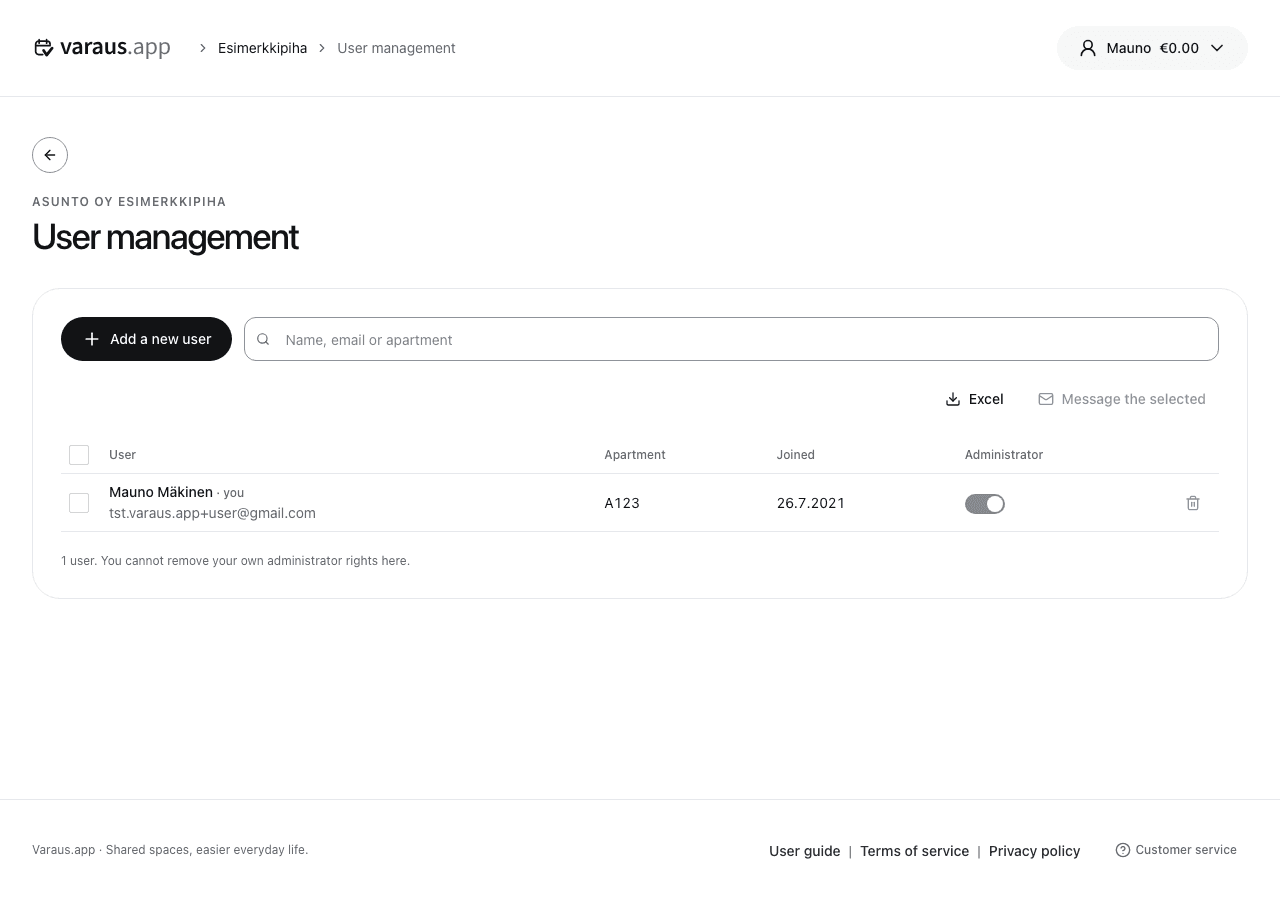
- Open the housing company's Settings menu and select User management.
- Find the user in the list. Check their name and apartment details before making changes.
- Use the user's Administrator control to grant or remove administrator access, then confirm.
You can invite a new user by email. If they do not yet have an account, they will join the housing company after registration. The invitation is valid for seven days.
Remove a resident who has moved out using their action menu. Review the confirmation before accepting.
With the Pro plan, you can send messages to users and download data as an Excel file. Check the recipients before sending a message.