User guide
Calendar admin mode
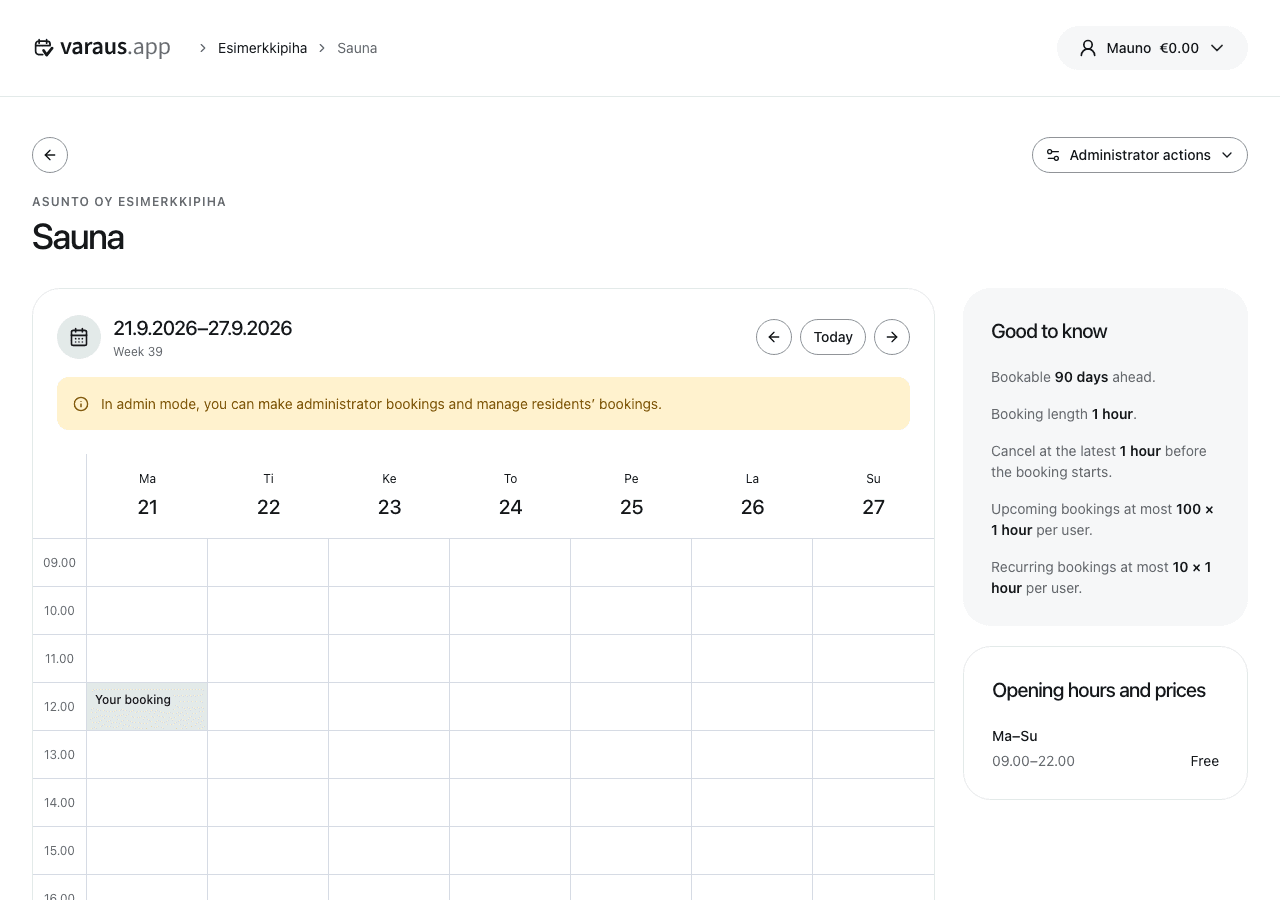
- Open the booking calendar as an administrator and open Administrator actions. Enable Admin mode.
- Open a resident's booking to view its details. You can change or cancel it within the allowed booking rules.
- If you cancel a resident's booking, enter a reason. The resident is notified and the booking fee returns to their balance.
Administrator booking
Select a time in the calendar, enter a description and select Confirm. Administrator bookings are free. Use them for maintenance or a shared sauna session, for example.
Administrator bookings can also repeat weekly. Open the booking to change its description or repeat end date. Leave admin mode to use the calendar as a resident.