User guide
Join your housing company
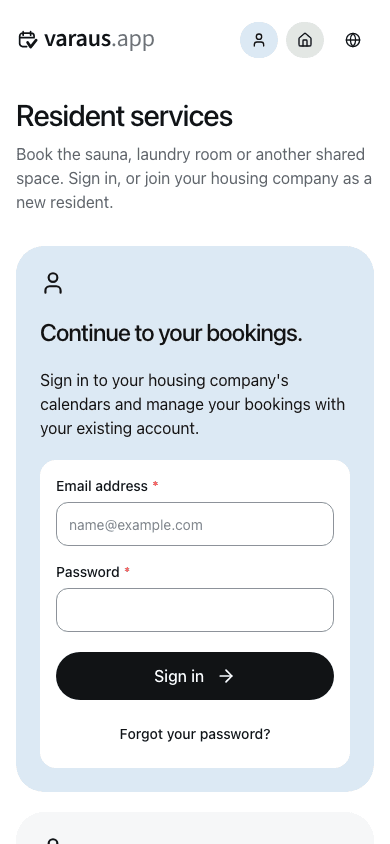
- Open resident services. Sign in, or select Join your housing company and create your own account.
- Verify your email address using the link in your email.
- Search for your housing company by name or business ID and select it.
- Enter your apartment details and the invite code if required. Confirm that you want to join.
- Open a booking calendar and choose an available time.
If you cannot find your housing company or need an invite code, contact its administrator or property manager. Residents do not need to register a housing company.
To update your apartment details, open the housing company's Settings menu and select Change apartment details. When you move out, select Leave housing company.