User guide
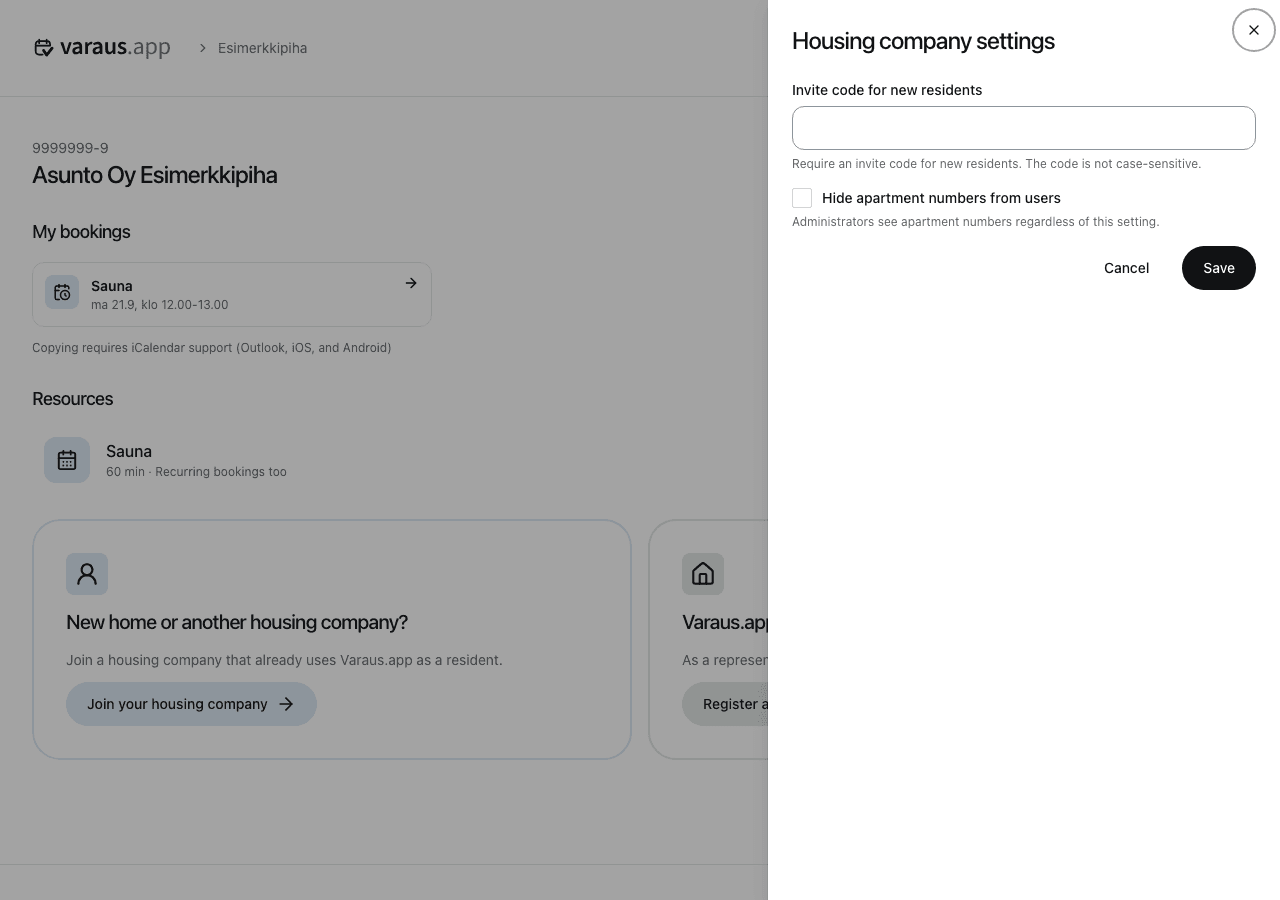
Housing company settings
- Open the housing company page.
- Open Settings and select Housing company settings.
- Make your changes and select Save.
With the Pro plan, you can require an invite code for new residents. The code is not case-sensitive. Share it only with residents joining your housing company.
You can also hide apartment numbers from other residents. Administrators still see the numbers.
If you change the invite code, download a new resident brochure and replace old copies. Opening hours, prices and booking rules are managed in each resource's own settings.