User guide
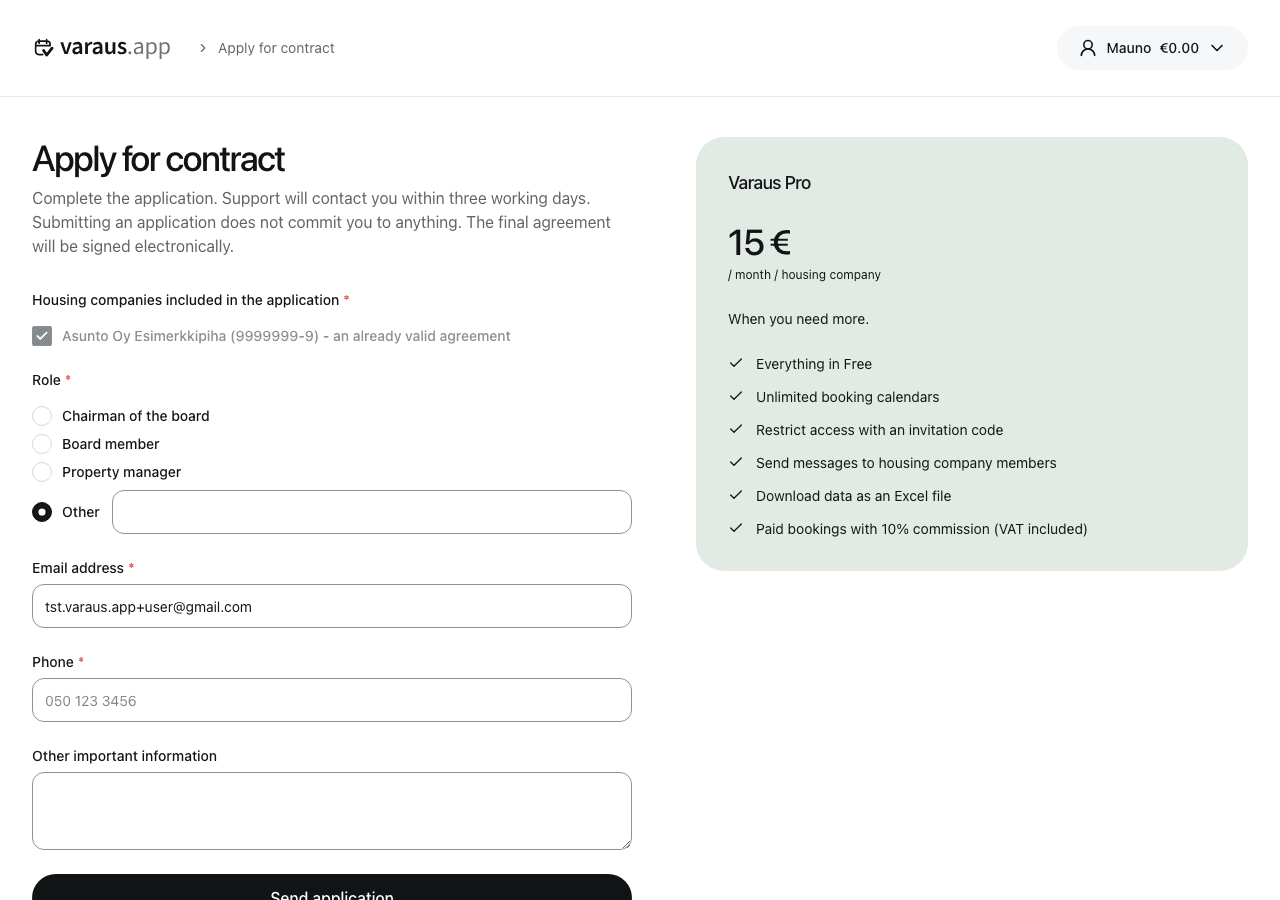
Apply for a contract
- Open the housing company's Settings menu and select Housing company settings.
- Follow the contract link in the notice about the paid plan.
- Select the housing companies you are applying for and enter your contact details.
- Submit the application. Support will contact you within three working days.
You need administrator access to apply. The application is non-binding; the final contract is signed electronically.
View your current contract and billing details on the housing company's Billing page.