User guide
Top up your balance
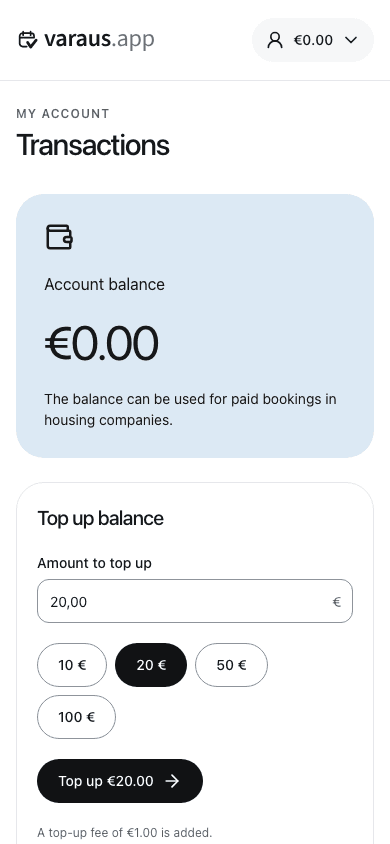
- Open the menu under your name and select Transactions.
- Choose the amount to add. Check the top-up fee shown in the form.
- Continue to the payment service using the form's button and complete the payment.
- You return to your transactions after payment. Check your new balance and the payment entry.
You only need balance for paid bookings. Add only what you need: topped-up balance is non-refundable. It remains valid for two years after your latest top-up.
If payment is interrupted, check your transactions before trying again. Contact support if you were charged but your balance has not updated.